Register
- Admin creates teacher and student accounts
- Roles assigned securely
- No public self-signup
- Directory stays under school control

From lectures to smarter learning. Teachers upload or record a class, Lens.AI prepares notes, quizzes, tags, and assignments, and students study from one published notebook.
Learning management for schools — teachers review before students see the notebook
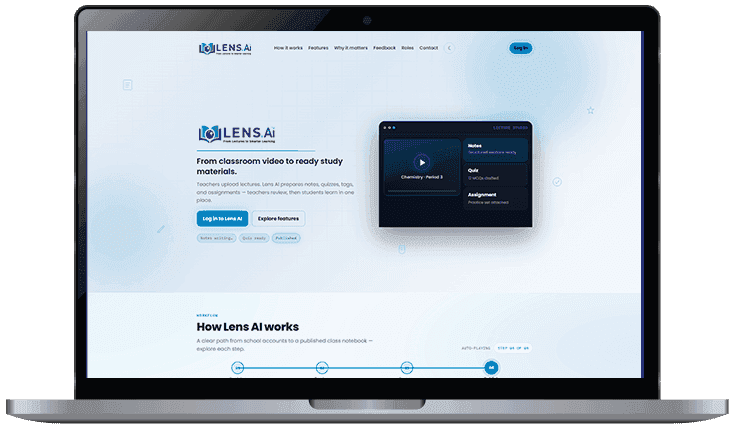
Teachers upload lectures. Lens.AI prepares notes, quizzes, tags, and assignments. Teachers review, then students learn in one place.
Lens.AI is a learning management system for schools. A lecture becomes a class notebook: structured notes, MCQ quizzes, topic tags, and assignments, published only after the teacher reviews them.
The path runs from a school directory to a published class notebook: an admin registers people, a teacher captures the lecture, Lens.AI drafts the study pack, and the teacher publishes it when it is ready.
Tools for the full lecture lifecycle — capture, prepare, publish, study, and follow up — with teacher control at every step.
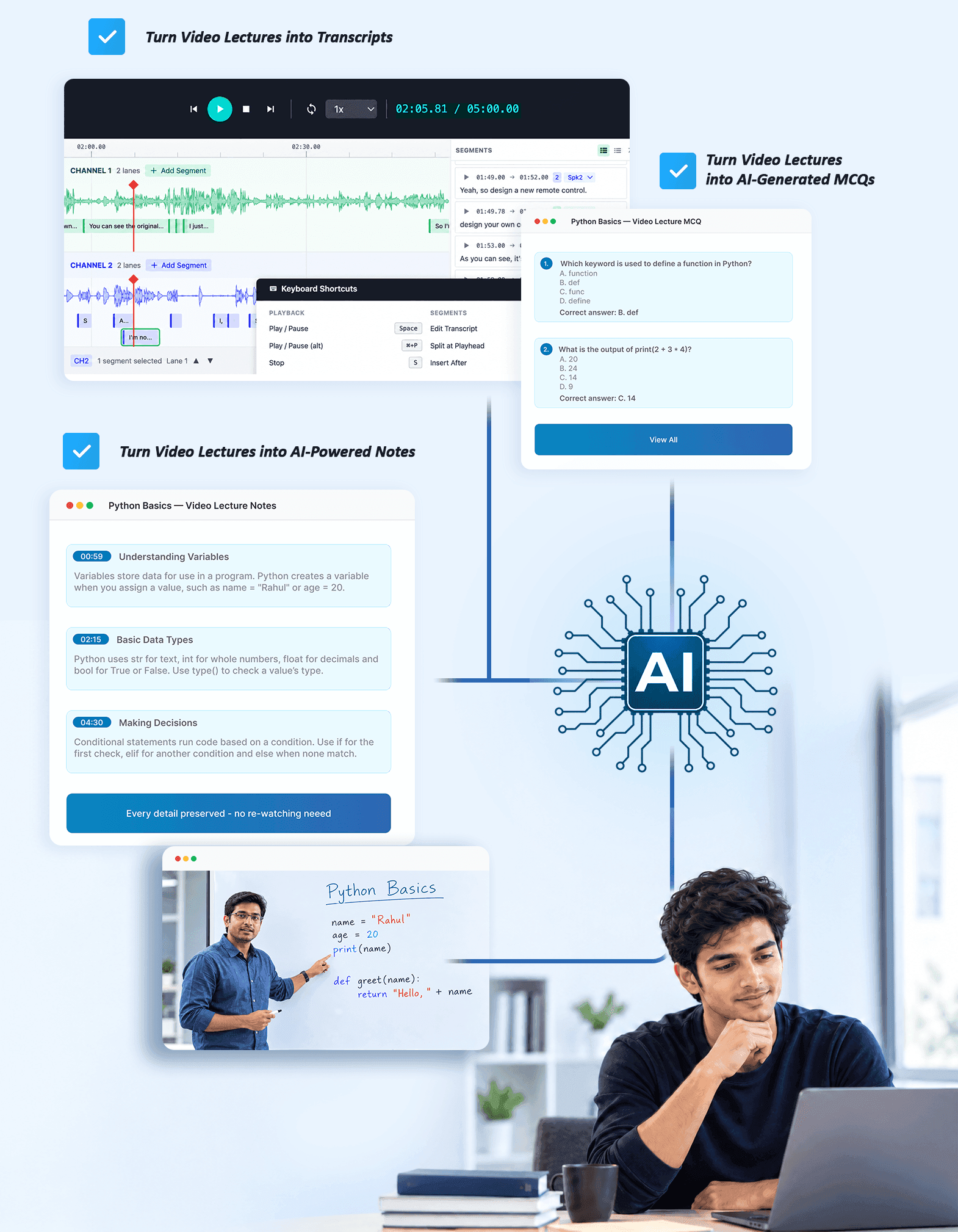
Teachers upload or record class video with class and subject details. Lens.AI transcribes and drafts study materials while Studio shows progress, and processing can be cancelled.
Draft notes are organized into ideas, examples, and summaries. Teachers preview, edit, and polish them before anyone else sees them.
Multiple-choice quizzes are drafted from the lecture. Students take them in the notebook, see results, and teachers get attempt history for that class.
Practice work is generated and attached to the same lecture packet, so homework matches what was taught that day.
Lectures get topic tags. Teachers filter Lecture Studio and Review by class, subject, and status.
Nothing goes live until a teacher reviews notes, quizzes, and assignments. Drafts stay private until publish.
Students and teachers post follow-up questions on the lecture page, next to the notes and quiz.
Home shows the live pipeline and recent lectures. Schedule boards lectures by week. Assessments surfaces quiz attempts and mastery bands.

A clear path from school accounts to a published class notebook.
Lectures are valuable. Without a system, that value disappears when class ends.
Less lost learning: a lecture becomes notes, practice, and quizzes students can reopen anytime.
Teacher time back: automation prepares the packet so teachers review and teach instead of reformatting.
One source of truth: the notebook keeps class content together and published on purpose.
Visibility into understanding: quiz attempts and discussion show who understood the lesson.
Teacher control: drafts save time, and accuracy stays human-approved.
One login for students: revise, practice, and check progress after every class.
Lens.AI is built for schools where accounts and content quality matter.
Schools, skill missions, and government academies that turn classroom lectures into a published study notebook.

Schools

Skill Missions

Government Academies
Explore how we serve your sector on our Industries page.
From discovery workshop to pilot, training, and support, everything you need to launch with confidence.
Set up the admin directory and the first classes.
Capture a lecture, review the draft packet, and publish.
Run one subject before a wider rollout.
Help admins register teachers and students.
Deployment & flexibility
Walk through Lecture Studio, review, and the student notebook.
Accounts come from the school admin, not public signup.
Tune notes, quizzes, and studio around how the school teaches.
Book a demo, ask about pricing, or discuss deployment for your organization.
Start Your 10-Day Free TrialAccounts, teacher review, and what the lecture notebook includes.

Pair Lens.AI with assessments, chatbots, and the broader learning stack.
AI Powered LMS
Learning management with adaptive content, AI tutoring, and automated assessments.
Online Assessment System
Secure, scalable examination platforms with AI proctoring and automated grading.
AI Conversational Chatbots
Intelligent chatbots for citizen services, student support, and enterprise helpdesks.
Start your 10-day free trial of Lens.AI and see lecture capture, teacher review, and the student notebook for your school.
No commitment required • Response within 24 hours